
Improving search experience and reducing support tickets by 78%
My Role
Solo Product Designer
Team
1 PM · 2 Developers
Timeline
4 Weeks
Platform
Web
Released
7 Recovery Centres
Improving search experience and reducing support tickets by 78%
My Role
Solo Product Designer
Team
1 PM · 2 Developers
Timeline
4 Weeks
Platform
Web
Released
7 Recovery Centres
CONTEXT
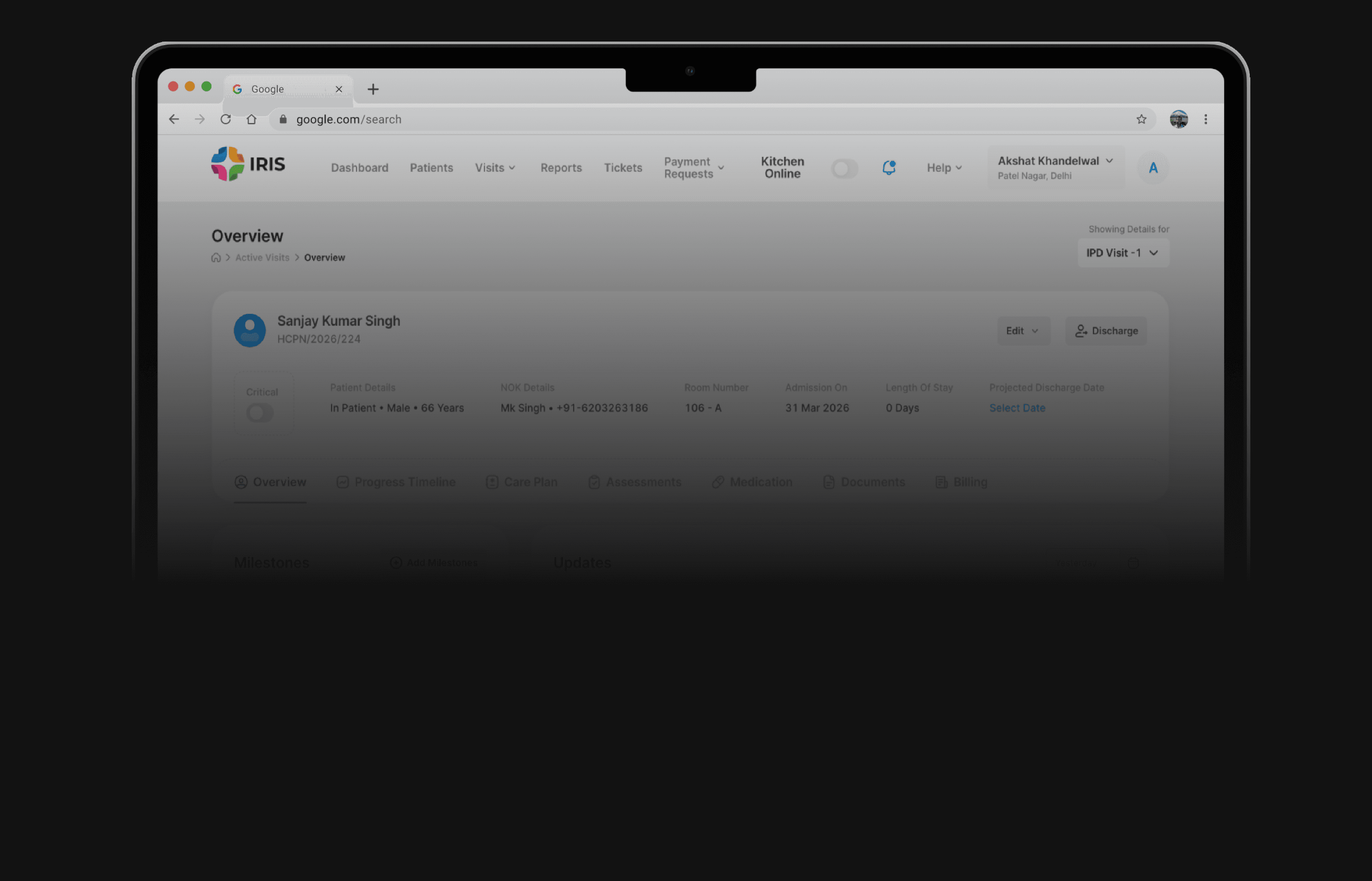
IRIS is a web-based internal tool built for HCAH's recovery center staff
HCAH was using a third-party tool to manage patients at its recovery centers. The decision was made to build an internal system, IRIS, to reduce those costs and have a solution built specifically for how recovery centers operate.
CONTEXT
IRIS is a web-based internal tool built for HCAH's recovery center staff
HCAH was using a third-party tool to manage patients at its recovery centers. The decision was made to build an internal system, IRIS, to reduce those costs and have a solution built specifically for how recovery centers operate.
The Problem
Poor search functionality in IRIS prevents ground staff from locating patients easily
Inefficient Patient Discovery
Center team struggled to quickly locate patients, often relying on manual records or coordination with others, turning simple lookups into time-consuming task.
High Operational Friction
Users relied on patient search to perform tasks like billing and daily notes, and for discharged patients it was the only access point, making failures to find records directly delay critical workflows.

The Problem
Poor search functionality in IRIS prevents ground staff from locating patients easily
Inefficient Patient Discovery
Center team struggled to quickly locate patients, often relying on manual records or coordination with others, turning simple lookups into time-consuming task.
High Operational Friction
Users relied on patient search to perform tasks like billing and daily notes, and for discharged patients it was the only access point, making failures to find records directly delay critical workflows.
Research
I talked to our internal users who were using IRIS
The objective of this study was to identify gaps between the system’s design and real-world usage in practice.

Reception Staff
Admit new patients and manage intake from the system.
Add bill items and track patient payments.
Monitor outstanding balances and inform patients or families.

Nursing Staff
Add daily notes at regular intervals to record patient updates.
Document the patient’s condition, progress, and routine observations.
Keep the care team informed with timely updates in the system.

Doctors
Adds admission and discharge notes for patients.
Review patient history and ongoing updates during treatment.
Monitor patient progress through recorded notes and updates.
Research
I talked to our internal users who were using IRIS
The objective of this study was to identify gaps between the system’s design and real-world usage in practice.
Reception Staff
Admit new patients and manage intake from the system.
Add bill items and track patient payments.
Monitor outstanding balances and inform patients or families.
Nursing Staff
Add daily notes at regular intervals to record patient updates.
Document the patient’s condition, progress, and routine observations.
Keep the care team informed with timely updates in the system.
Doctors
Adds admission and discharge notes for patients.
Review patient history and ongoing updates during treatment.
Monitor patient progress through recorded notes and updates.
Some of the insights
An exact match with the input
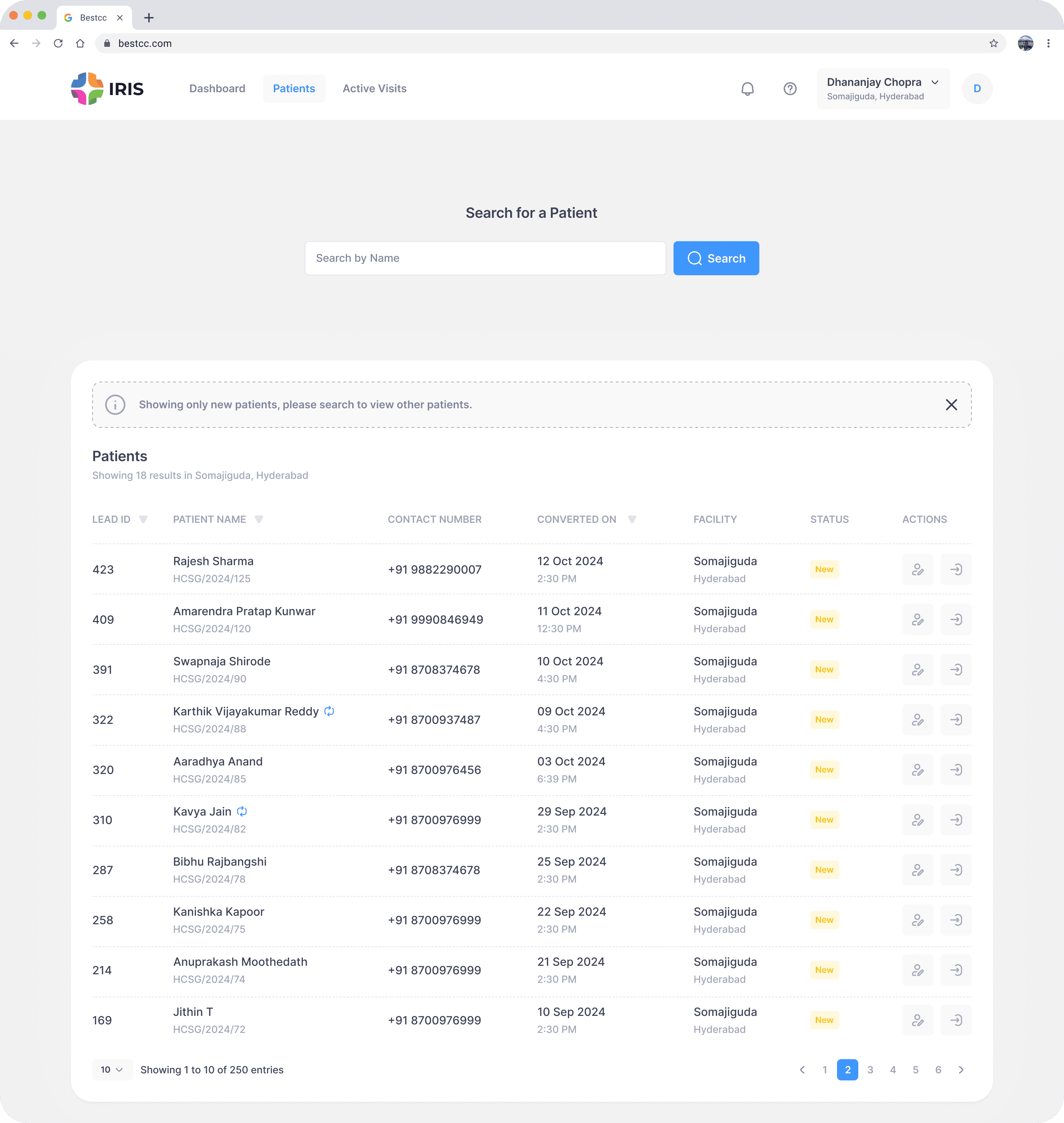
Search required an exact match. Typing "Adersh" when the name was "Adarsh" returned nothing.
Only searching for patient’s name
Many users only searched by name because they were unaware that patient numbers and IDs were also valid search criteria.
No cross center search
Users managing multiple centers had to switch the center filter manually each time.
No re-admission cross centers
Re-admitting a patient to a different center was not possible in the system.
Some of the insights
An exact match with the input
Search required an exact match. Typing "Adersh" when the name was "Adarsh" returned nothing.
Only searching for patient’s name
Many users only searched by name because they were unaware that patient numbers and IDs were also valid search criteria.
No cross center search
Users managing multiple centers had to switch the center filter manually each time.
No re-admission cross centers
Re-admitting a patient to a different center was not possible in the system.
analytics
Used Microsoft Clarity to see real user behavior
used search bar
Users relied on the search bar to locate patients, but its strict exact-match logic caused frequent failures.
70%
went to the second page of results
Very few users explored beyond the first page of results, indicating a strong reliance on immediately visible options.
05%
required multiple attempts to find a patient
Users often searched two or more times before reaching the correct patient profile, highlighting inefficiencies in search accuracy and matching.
Most Users
analytics
Used Microsoft Clarity to see real user behavior
used search bar
Users relied on the search bar to locate patients, but its strict exact-match logic caused frequent failures.
70%
went to the second page of results
Very few users explored beyond the first page of results, indicating a strong reliance on immediately visible options.
05%
required multiple attempts to find a patient
Users often searched two or more times before reaching the correct patient profile, highlighting inefficiencies in search accuracy and matching.
Most Users
OLd design
Mapping research insights to existing design flaws

Only one static empty state for every scenario
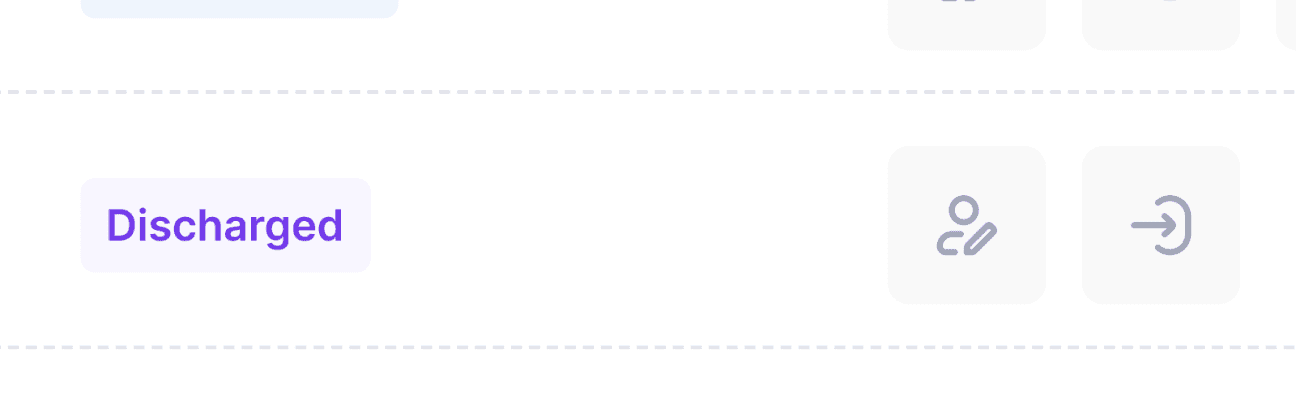
Re-admission of a patient to a different center is not possible
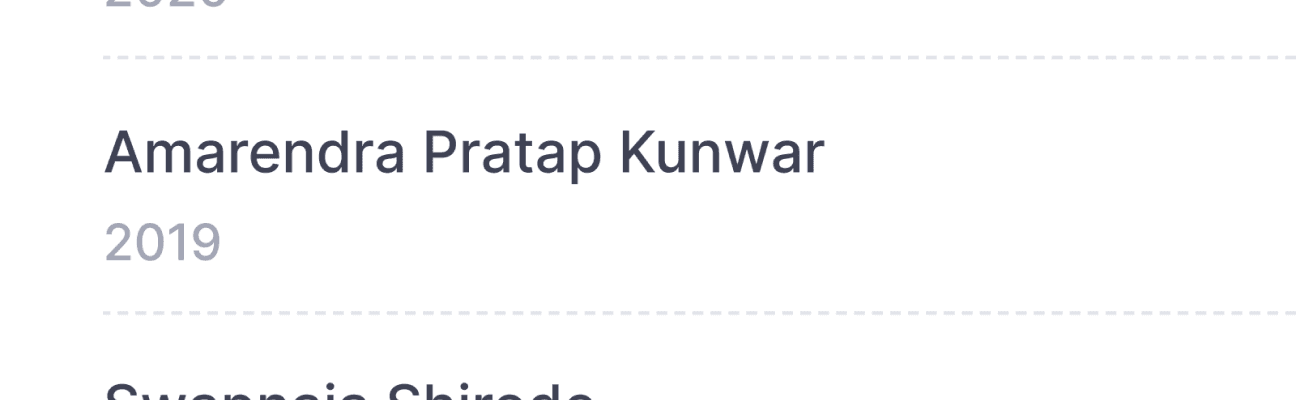
Name is clickable but doesn’t look clickable

Readability issue with some of the tags
Back
1 of 4
Searching “Rajish” instead of “Rajesh” wont give any results
Next
OLd design
Mapping research insights to existing design flaws
1 of 4
Searching “Rajish” instead of “Rajesh” wont give any results
Back
Next
ideation
Exploring possible directions
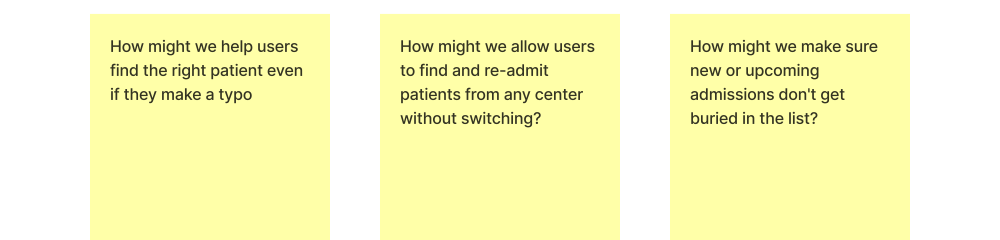
How might we help users find the right patient even if they make a typo
How might we allow users to find and re-admit patients from any center without switching?
How might we make sure new or upcoming admissions don't get buried in the list?


ideation
Exploring possible directions
Narrowing the focus
Narrowing the focus
New design
Making search work in real-world conditions
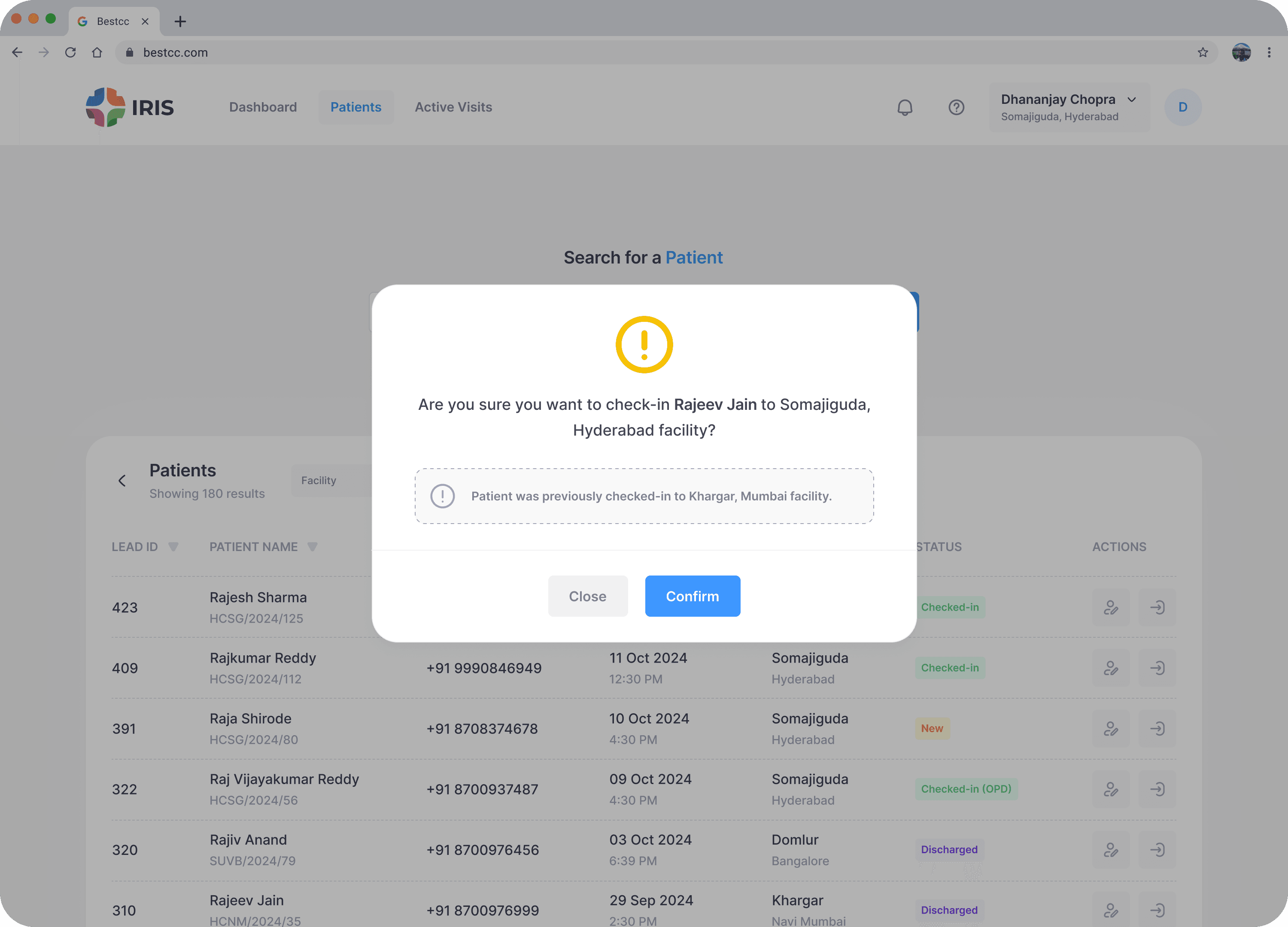
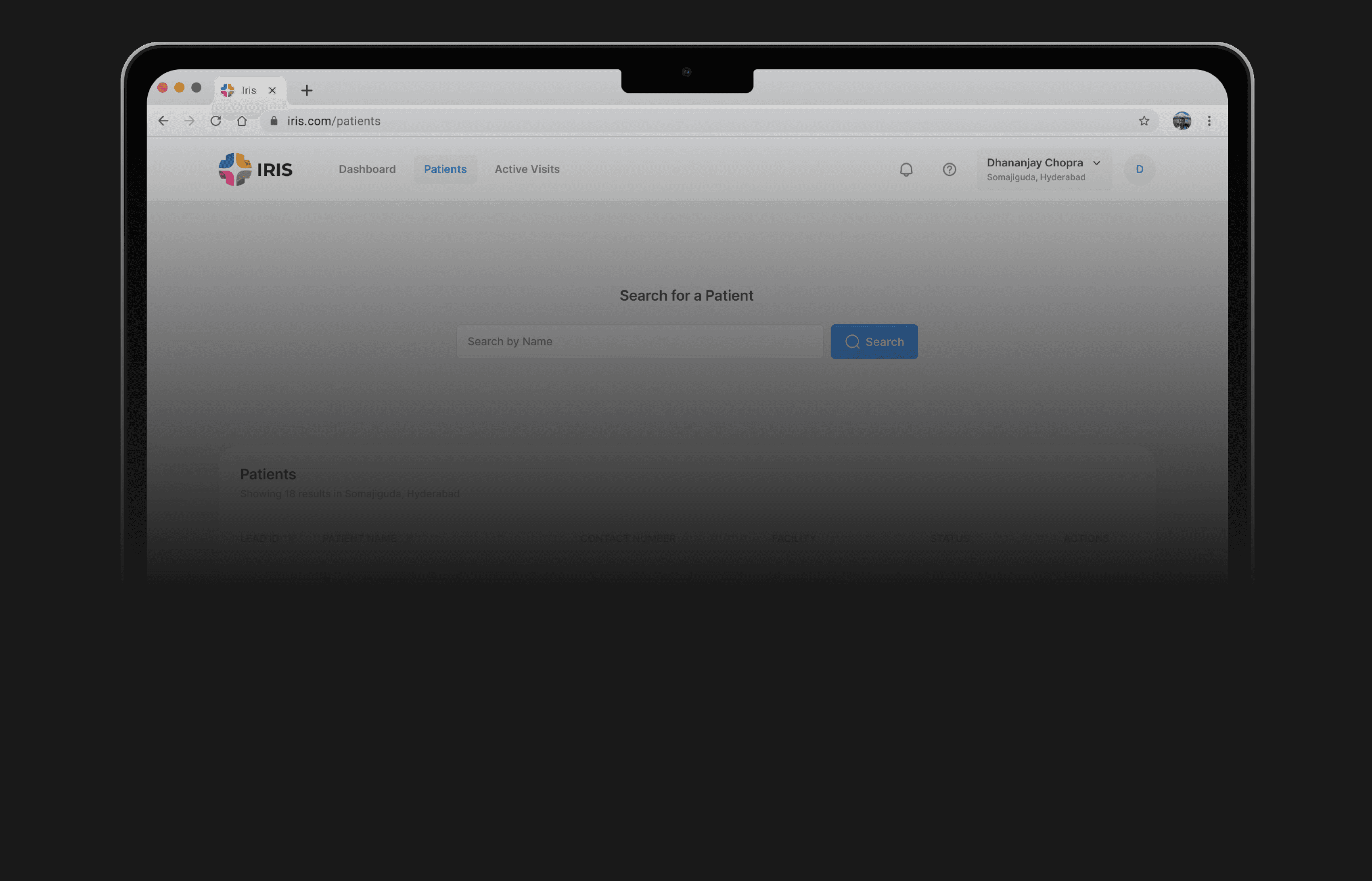
Search needed to support real usage, not perfect inputs. Staff often searched with partial information or mistakes, but the system required exact matches. We redesigned search to be more flexible, reliable, and aligned with real workflows.
New design
Making search work in real-world conditions
Search needed to support real usage, not perfect inputs. Staff often searched with partial information or mistakes, but the system required exact matches. We redesigned search to be more flexible, reliable, and aligned with real workflows.
improved search experience
Handles partial and imperfect inputs
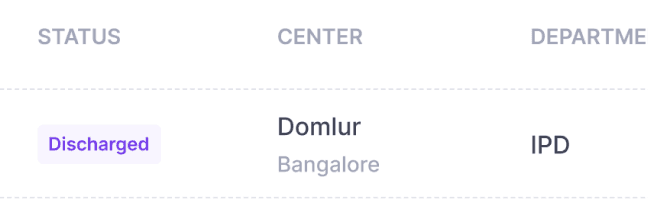
Cross center search and re-admission made possible
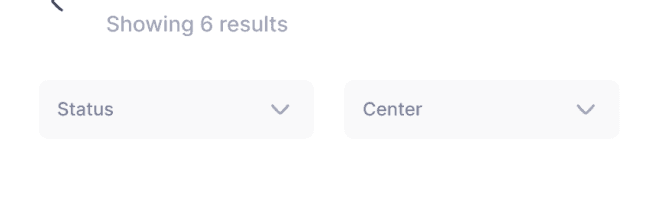
New filters are added to match how users filter out in real-world scenarios
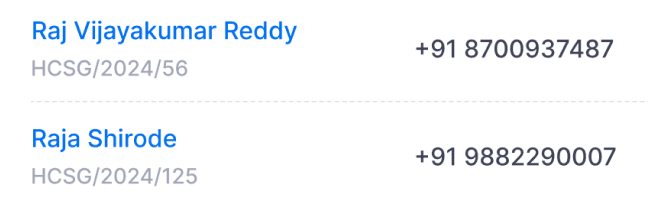
Name looks clickable to access patient’s profile
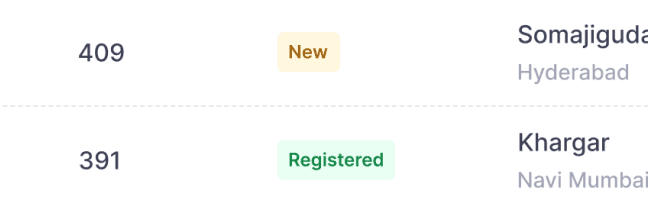
Improved readability of the status
1 of 4
Results matches with the input
Searching with typos or partial information returns the best possible matches based on the user’s input, making it easier to find a specific patient.
Next
improved search experience
Handles partial and imperfect inputs
Cross center search and re-admission made possible
New filters are added to match how users filter out in real-world scenarios
Name looks clickable to access patient’s profile
Improved readability of the status
1 of 4
Results matches with the input
Searching with typos or partial information returns the best possible matches based on the user’s input, making it easier to find a specific patient.
Back
Next
impact
Reduced friction in patient search workflows
reduction in search-related support tickets
Fewer users required help locating patients after improving search accuracy and visibility.
78%
found patients on the first attempt
Session recordings showed users were able to locate patients with a single search in most cases, with fewer instances of repeated queries and back-and-forth.
Most Users
impact
Reduced friction in patient search workflows
reduction in search-related support tickets
Fewer users required help locating patients after improving search accuracy and visibility.
78%
found patients on the first attempt
Session recordings showed users were able to locate patients with a single search in most cases, with fewer instances of repeated queries and back-and-forth.
Most Users
Other Work
Other Work
With constant collaboration, iterations and coffee
With constant collaboration, iterations and coffee