Let’s Connect
We can talk about design, movies and more
Email Me

Improving search experience and reducing support tickets by 78%
My Role
Solo Product Designer
Team
1 PM · 4 Developers
Timeline
4 Weeks
Platform
Web
Released
7 Recovery Centres
CONTEXT
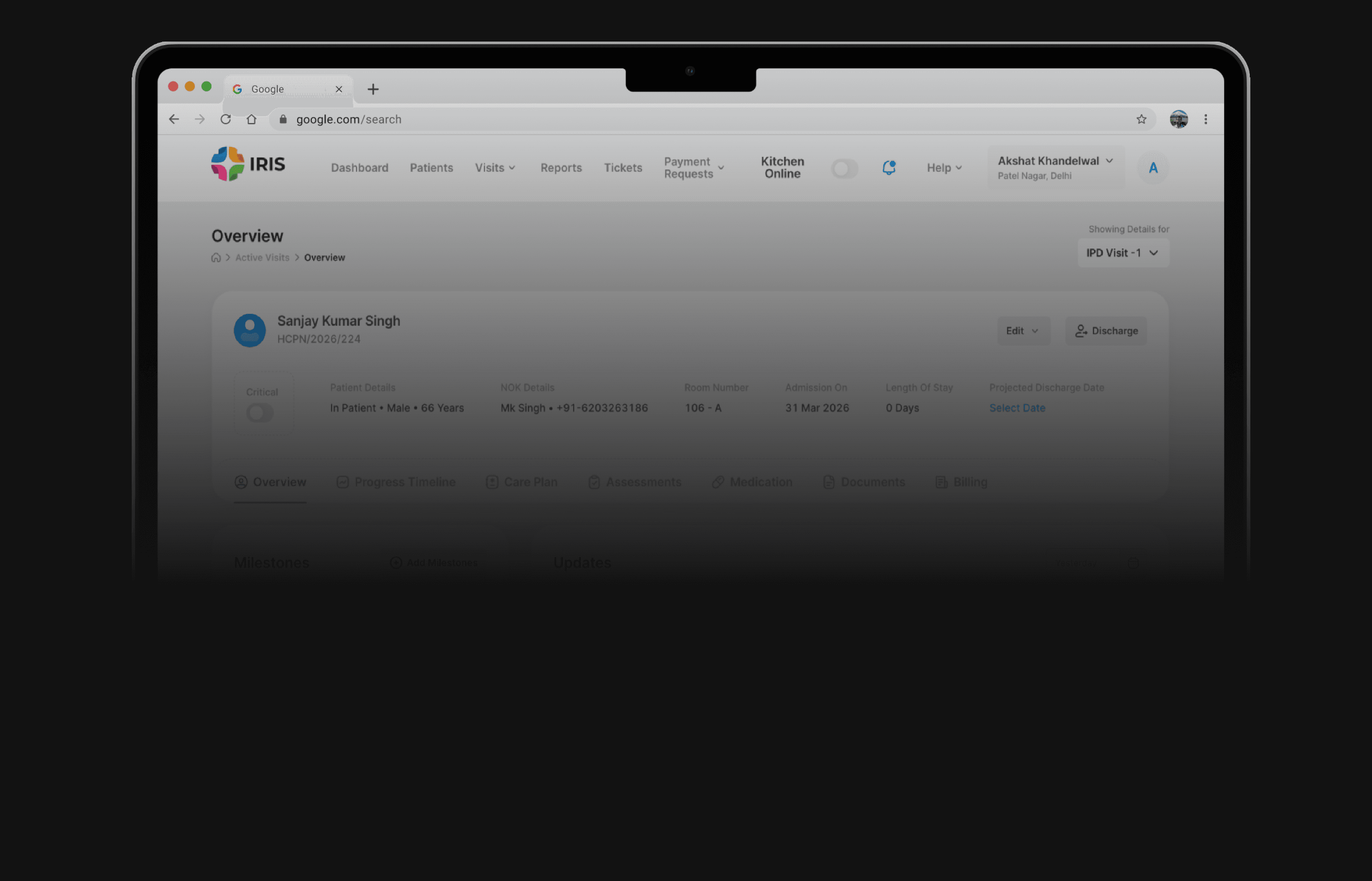
IRIS is a web-based internal tool built for HCAH's recovery center staff
HCAH was using a third-party tool to manage patients at its recovery centers. The decision was made to build an internal system, IRIS, to reduce those costs and have a solution built specifically for how recovery centers operate.
The Problem
Poor search functionality in IRIS prevents ground staff from locating patients easily
Inefficient Patient Discovery
Staff struggled to quickly find patient profiles, wasting time that should go to patient care.
High Operational Friction
Search, the entry point for most tasks, was causing workflow bottlenecks due to delays.

Research
I and the PM talked to our internal users who were using IRIS
The objective of this study was to identify gaps between the system’s design and real-world usage in practice.

Reception Staff
The family member/NOK manages the patient’s finances.
They make key decisions during the
recovery journey.
•
They handle approvals, payments, and
financial queries.
•
Doctors
The family member/NOK manages the patient’s finances.
They make key decisions during the
recovery journey.
•
They handle approvals, payments, and
financial queries.
•
Nursing Staff
The family member/NOK manages the patient’s finances.
They make key decisions during the
recovery journey.
•
They handle approvals, payments, and
financial queries.
•
Some of the insights
An exact match with the input
Search required an exact match. Typing "Adersh" when the name was "Adarsh" returned nothing.
Only searching for patient’s name
Many users only searched by name because they were unaware that patient numbers and IDs were also valid search criteria.
No cross center search
Users managing multiple centers had to switch the center filter manually each time.
No re-admission cross centers
Re-admitting a patient to a different center was not possible in the system.
analytics
Used Microsoft Clarity to see real user behavior
To supplement the group interviews and capture unfiltered user behavior, I utilized Microsoft Clarity to analyze session recordings and heatmaps.
used search bar
Users relied on the search bar to locate patients, but its strict exact-match logic caused frequent failures.
70%
went to the second page of results
Very few users explored beyond the first page of results, indicating a strong reliance on immediately visible options.
05%
of the users couldn’t find the desirable result in the first go
Most users were searching twice or thrice before jumping to the patient’s profile
60%
OLd design
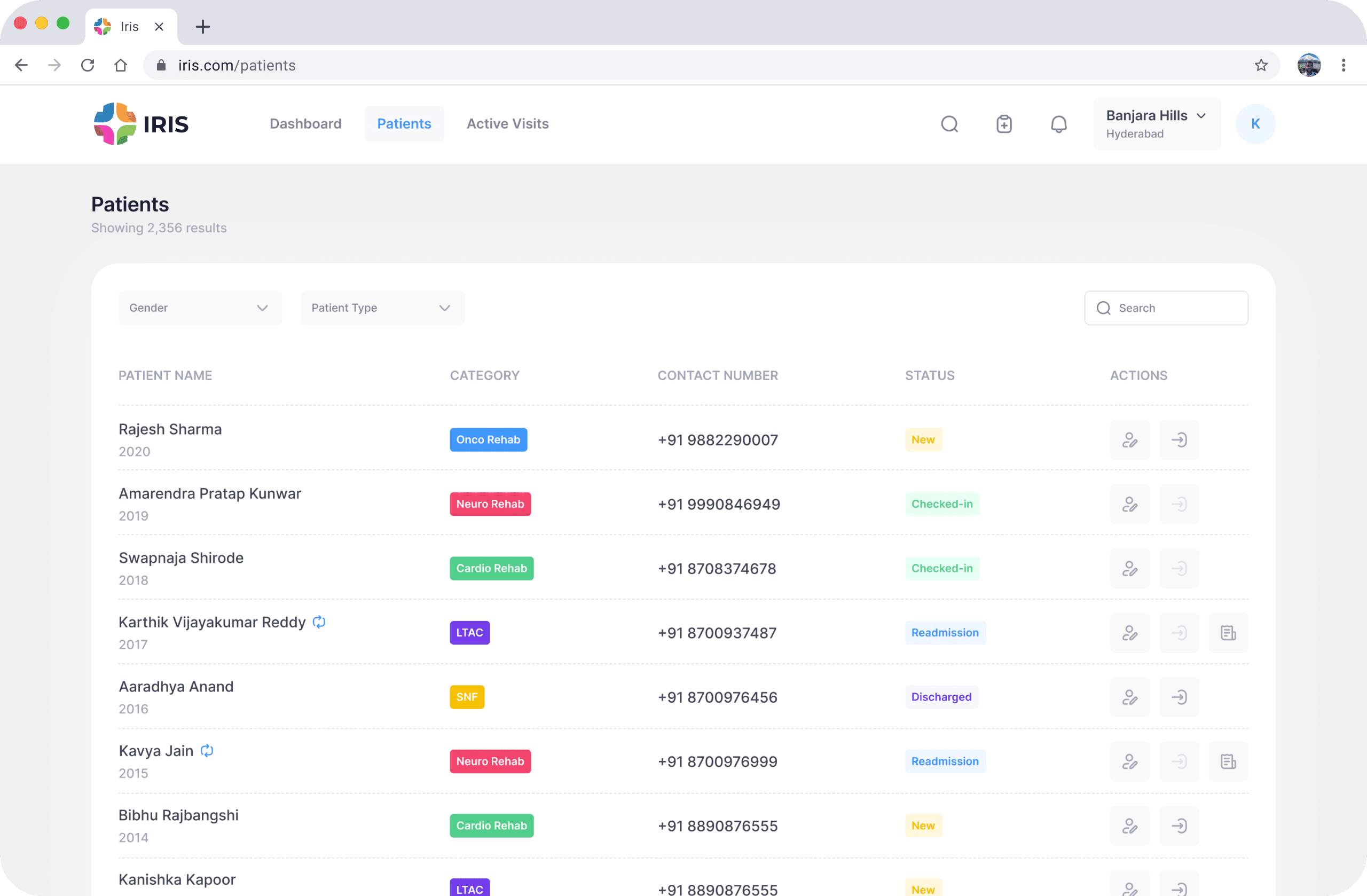
Mapping research insights to existing design flaws

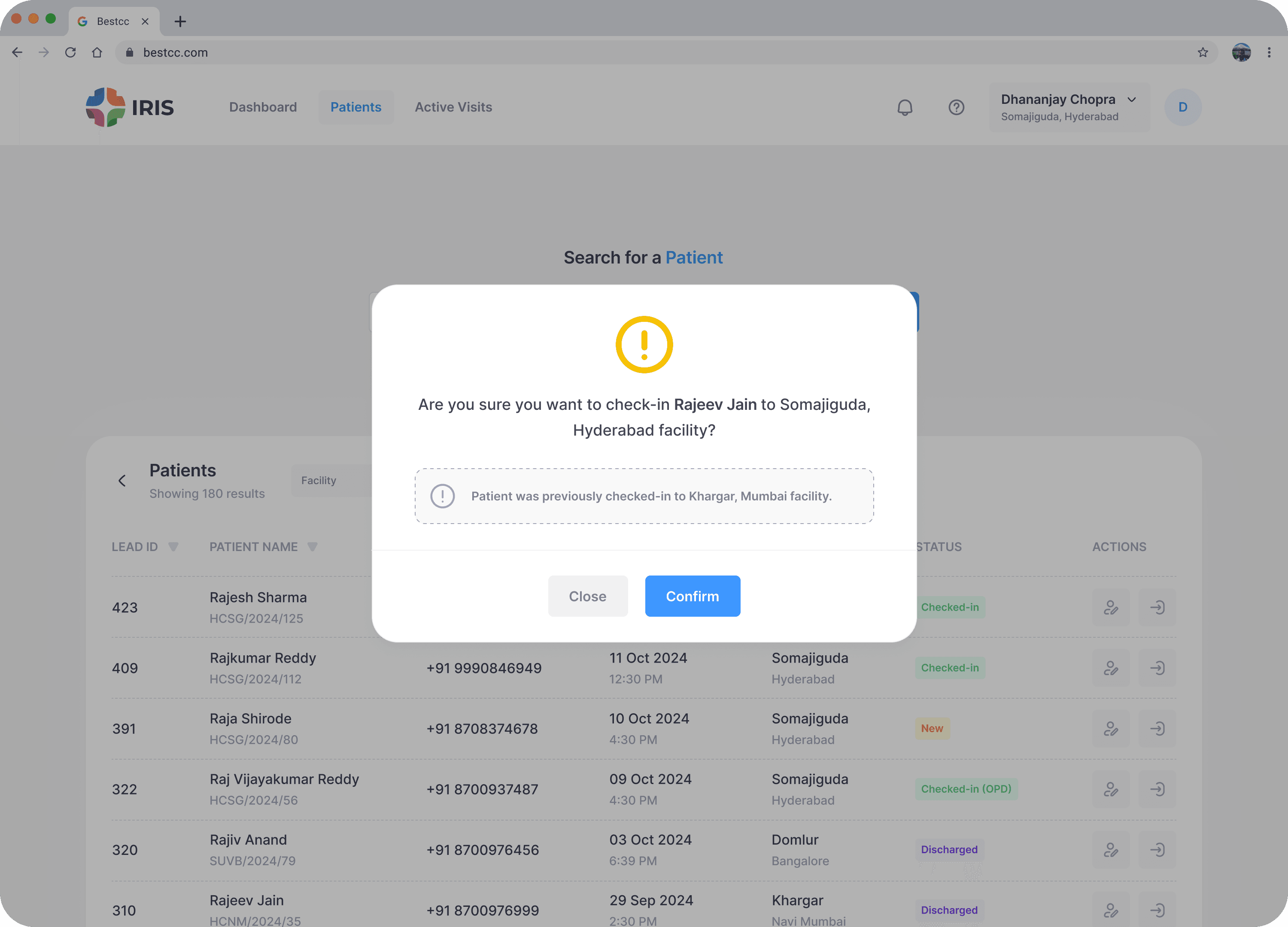
Only one static empty state for every scenario
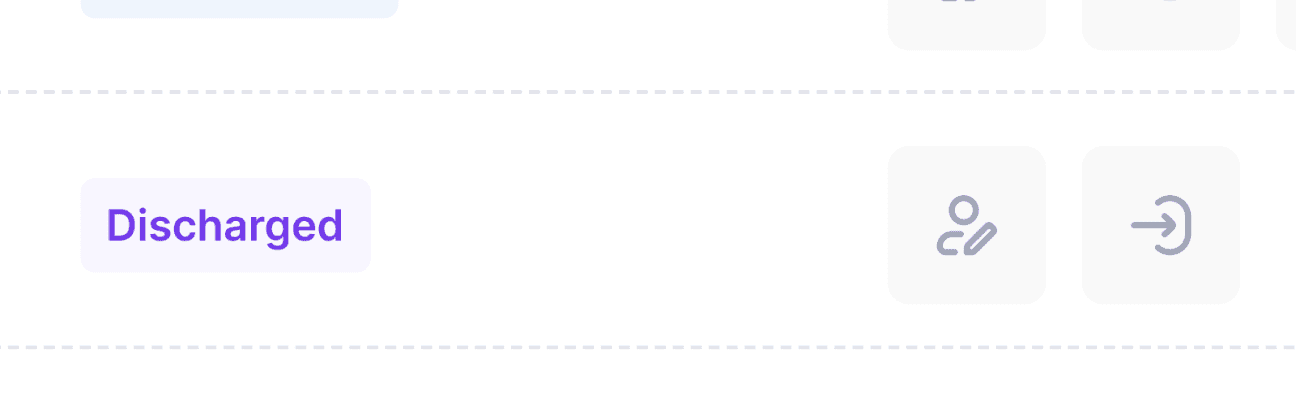
Re-admission of a patient to a different center is not possible
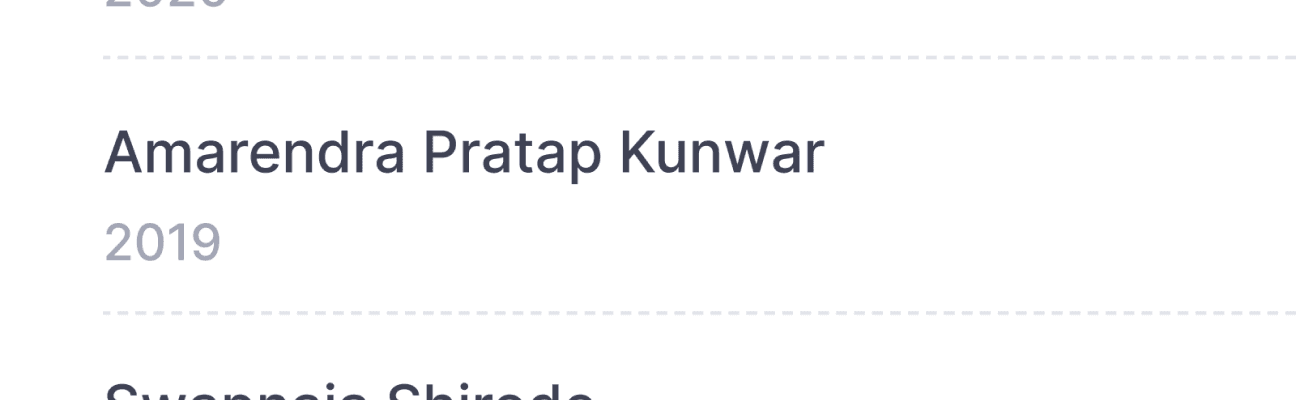
Name is clickable but doesn’t look clickable

Readability issue with some of the tags
Back
1 of 4
Searching “Rajish” instead of “Rajesh” wont give any results
Next

ideation
Exploring possible directions
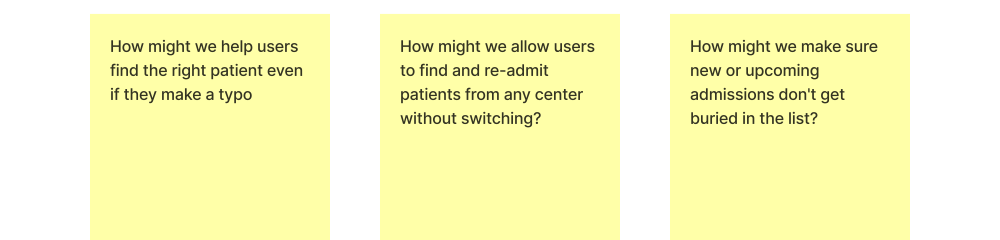
Narrowing the focus
How might we help users find and manage any patient with zero friction
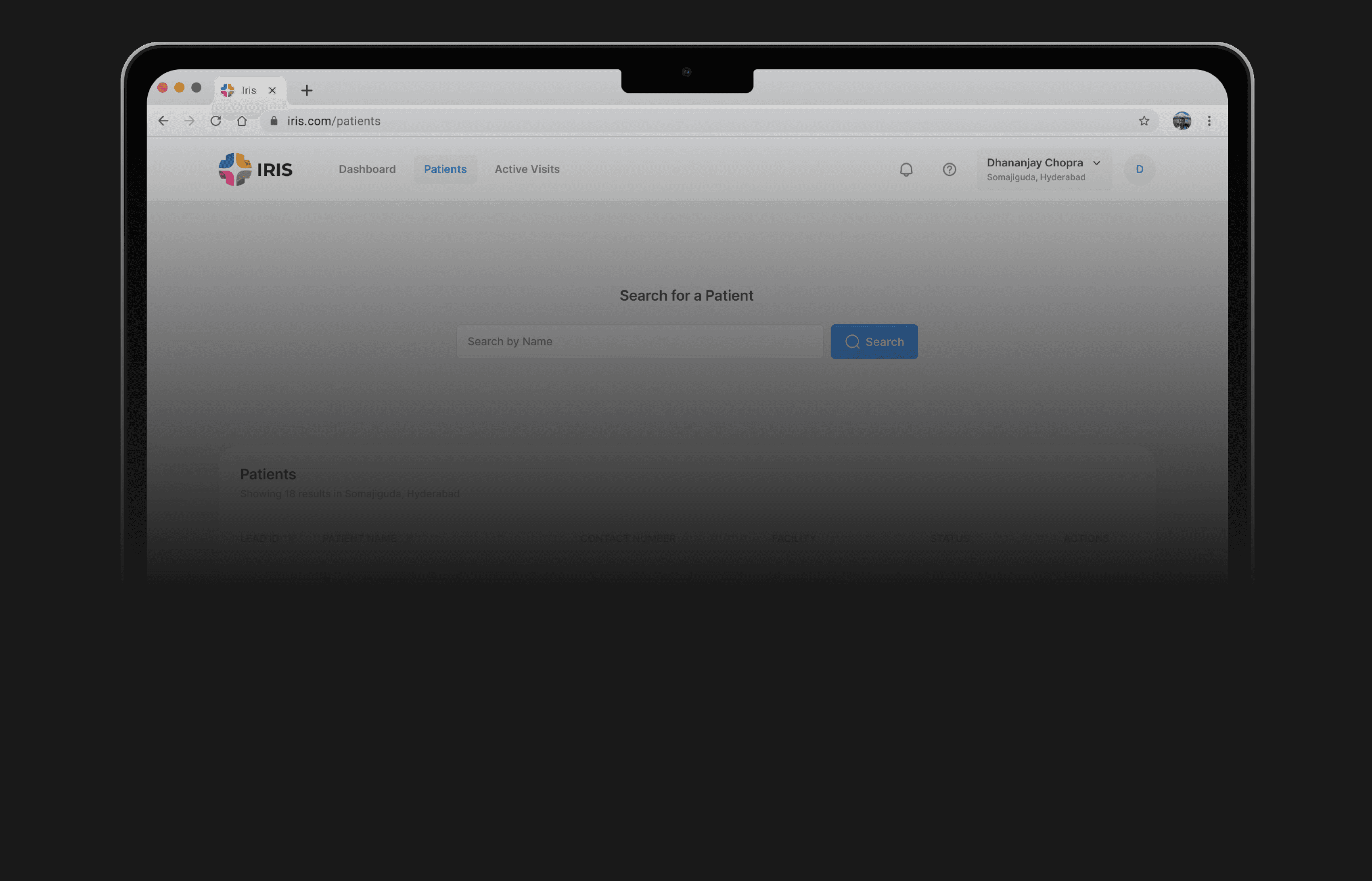
New design
Making search work in real-world conditions
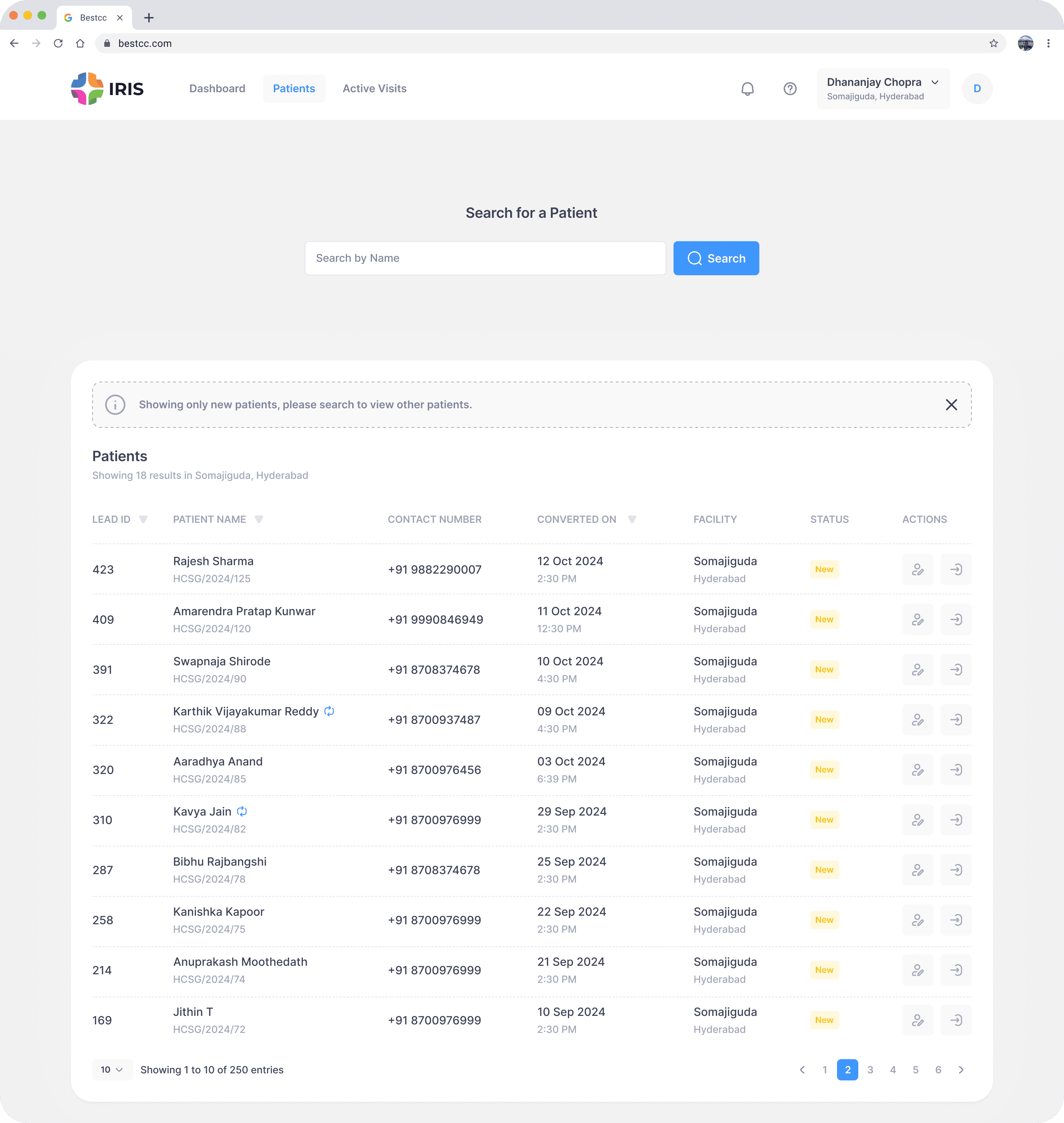
Search needed to support real usage, not perfect inputs. Staff often searched with partial information or mistakes, but the system required exact matches. We redesigned search to be more flexible, reliable, and aligned with real workflows.
results with typos
System now shows relevant results based on the user’s input
Back
Flaw 1 of 5
Searching “Rajish” instead of “Rajesh” wont give any results
Next


90% adoption
50% reduction in bill printouts
Streamlining Healthcare Billing: Increasing Daily Engagement by 30%
The process of how we solved a major user pain point through the launch of our recovery app, designed to support patients and their family members.
HCAH